
Chakra Activator4.2 - Google Play
You'll be able to see results in few seconds.
Publisher Description
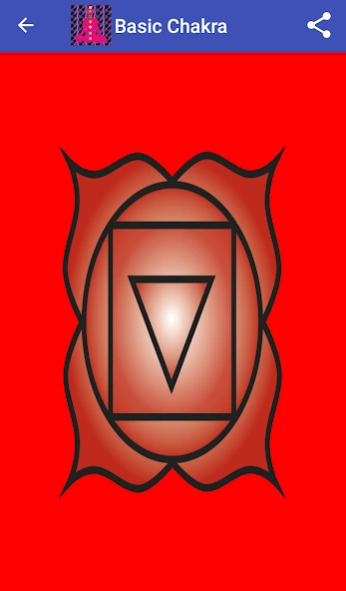

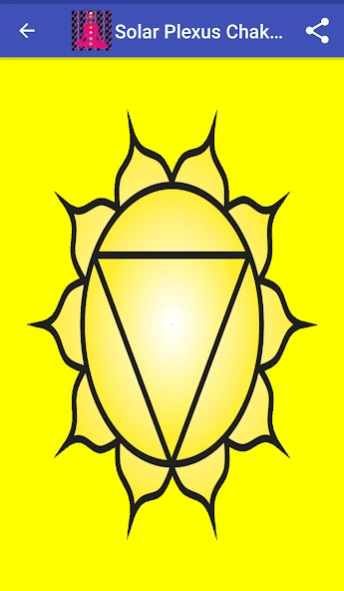
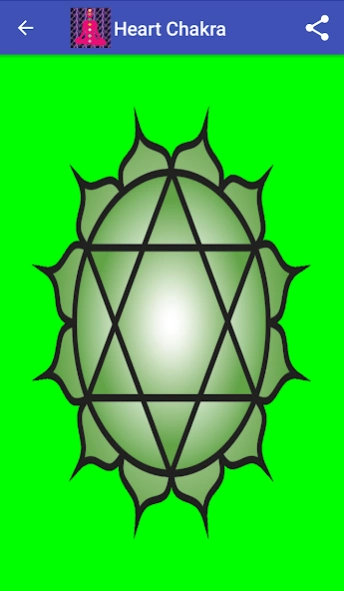
This app is for the activation of the chakras through the use of affirmations.
This app is for the activation of the chakras through the use of affirmations specific for the chakras. The affirmations are directed towards the issues which are specific for the chakras. In this app the af affirmations will work beyond the threshold of conscious awareness.
This app is to be used with Stereo Headphones only. The user will hear 3 overlapping voices -one voice in each ear and one voice heard in both ears. The user will consciously hear the affirmations which are given, but will not consciously process them. This will happen because it is beyond the ability of the conscious mind to process the affirmations simultaneously for more than a few moments.
The user does not need to focus on the affirmations. The affirmations will directly work on the subconscious mind and help to activate the chakras.
The chakras are energy centers in the energy body. There are 7 major chakras- Basic Chakra, Sacral Chakra, Solar Plexus Chakra, Heart Chakra, Throat Chakra, Third Eye Chakra and Crown Chakra. Each Chakra controls certain aspects of human life.
This app contains isochronic tones at 4Hz to help achieve the Theta State. The Theta State is the state where the predominant brainwaves are the Theta waves. Theta State is the state of the subconscious mind.
Chakra Activator Lite is the free version of this app. It is supported by ads. It is available on the following link https://play.google.com/store/apps/details?id=in.holistichealer.chakraactivatorlite.
Chakra Activator has the following bonuses over Chakra Activator Lite-
1) An audio for the activation of all chakras
2) No advertisements
DISCLAIMER: This app is not a medically prescribed product. It is for spiritual and healing guidance purposes only. The effects of this app may vary from person to person. The developer is not responsible for any side effects that may occur from the use of this app.
Designed by Dr. Shrinidhi Manikarnike. ©2017 Dr. Shrinidhi Manikarnike. All Rights Reserved.
Chakra Images ©Morgan Phoenix used under Creative Commons Attribution-Share Alike 3.0 Unported license .
About Chakra Activator
The company that develops Chakra Activator is Dr. Shrinidhi Manikarnike. The latest version released by its developer is 4.2.
To install Chakra Activator on your Android device, just click the green Continue To App button above to start the installation process. The app is listed on our website since 2020-12-03 and was downloaded 0 times. We have already checked if the download link is safe, however for your own protection we recommend that you scan the downloaded app with your antivirus. Your antivirus may detect the Chakra Activator as malware as malware if the download link to in.holistichealer.chakraactivator is broken.
How to install Chakra Activator on your Android device:
- Click on the Continue To App button on our website. This will redirect you to Google Play.
- Once the Chakra Activator is shown in the Google Play listing of your Android device, you can start its download and installation. Tap on the Install button located below the search bar and to the right of the app icon.
- A pop-up window with the permissions required by Chakra Activator will be shown. Click on Accept to continue the process.
- Chakra Activator will be downloaded onto your device, displaying a progress. Once the download completes, the installation will start and you'll get a notification after the installation is finished.
Program Details
System requirements
Download information
Pricing
Version History
version 4.2
posted on 2020-12-03
Bug Fix
Disclaimer
Official Google Play Link
We do not host Chakra Activator on our servers. We did not scan it for viruses, adware, spyware or other type of malware. This app is hosted by Google and passed their terms and conditions to be listed there. We recommend caution when installing it.
The Google Play link for Chakra Activator is provided to you by apps112.com without any warranties, representations or guarantees of any kind, so access it at your own risk.
If you have questions regarding this particular app contact the publisher directly. For questions about the functionalities of apps112.com contact us.
